Kade
A size limit for the folders that keep growing
Kade watches the folders that quietly fill your disk — Downloads, build output, caches — and says something the moment one crosses the limit you set for it.
What it does
Two folders or twenty, each with its own ceiling.
Per-folder limits
Set a ceiling on any folder. Everything else uses the default.
Menu bar total
Combined size sits in the menu bar, or the count that went over.
Growth rate
A sparkline and an MB/min figure, so you can see it happening.
One notification
It tells you when a folder crosses its limit. Then it stops.
What it does well
Nothing gets deleted
Kade measures and warns. Reveal in Finder, pause a folder, or stop watching it — the files are yours to deal with.
Quiet by default
No sound, no launch at login, no badge until something is actually over. Turn each on if you want it.
Stays out of the way
A five-minute floor on refresh, because a disk-size checker has no business spinning your fans.
How it works
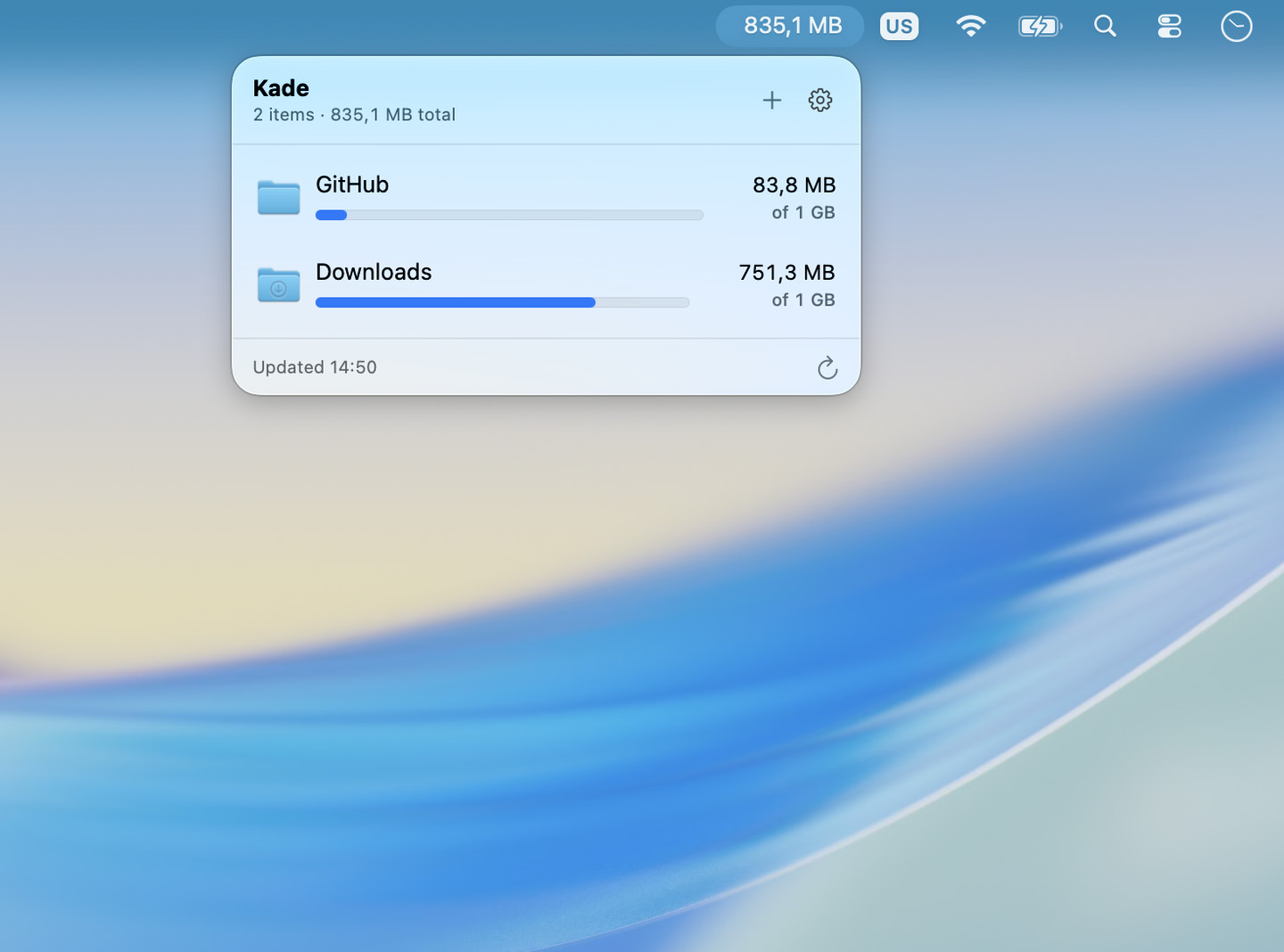
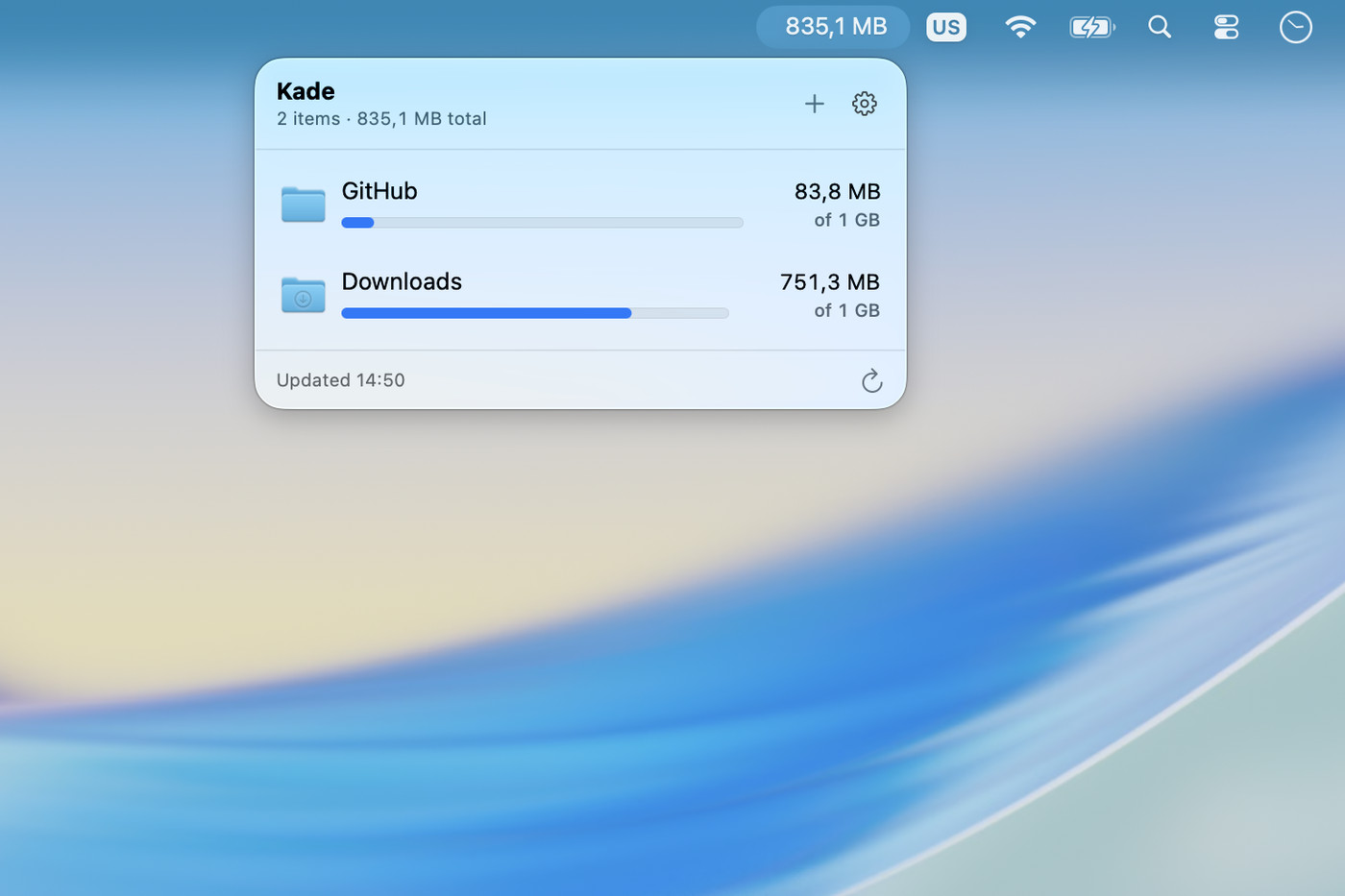
Every watched folder, one glance
Name, current size, limit, and a bar that fills as it gets there. The menu bar carries the total so you rarely have to open it.
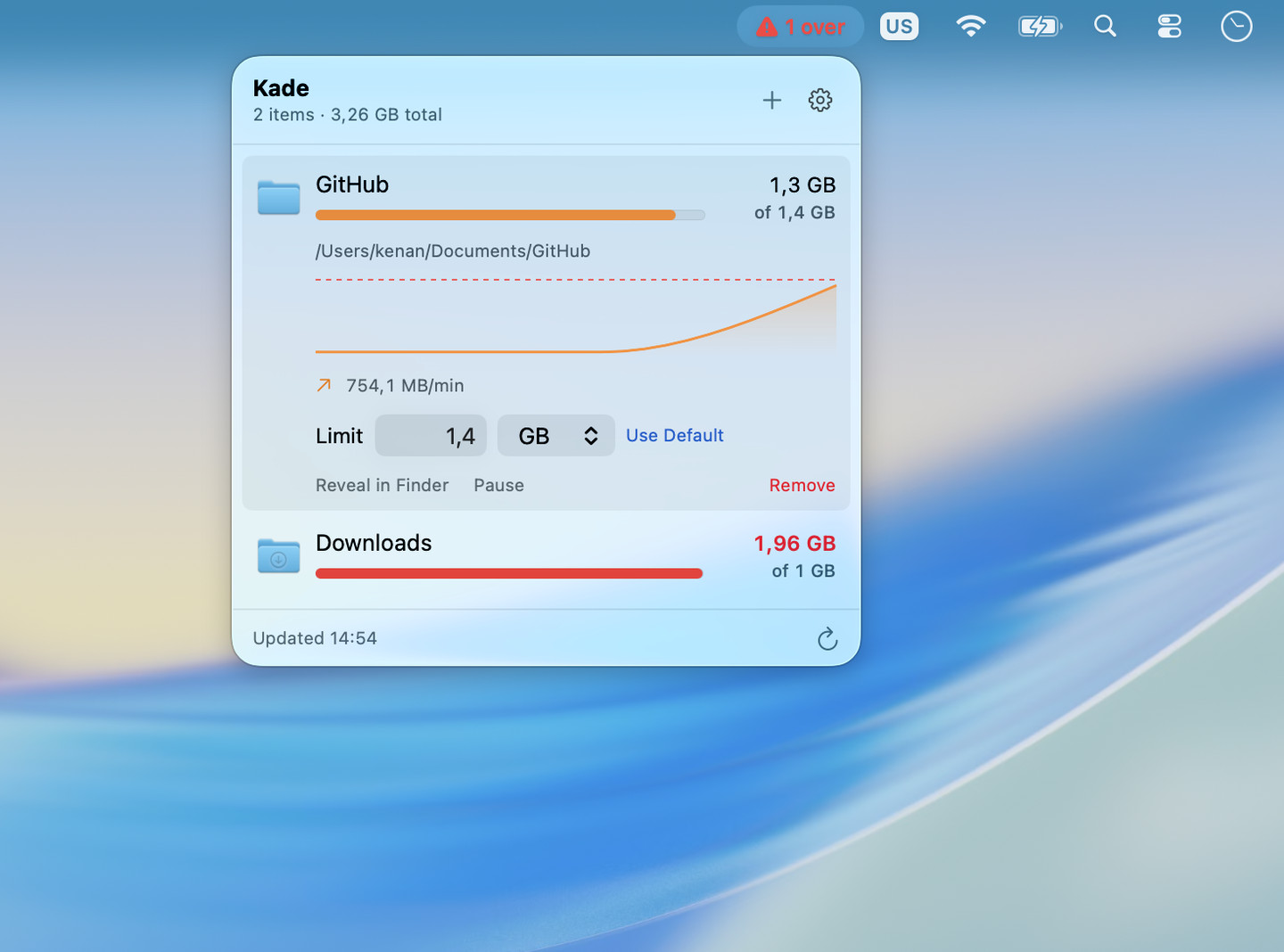
See it coming
Open a folder and Kade shows where it has been — the curve, the rate in MB per minute, and the dashed line it is heading for.
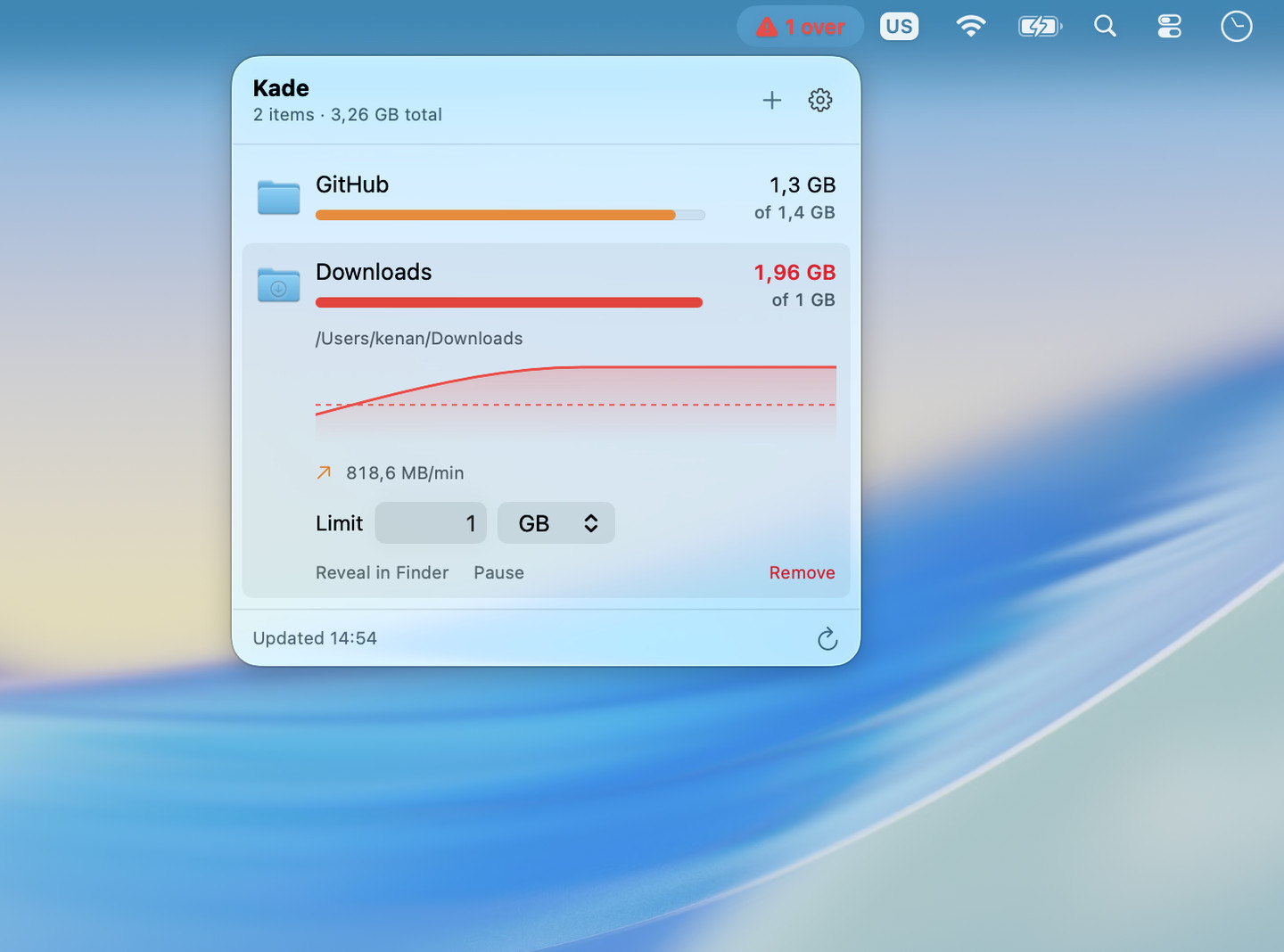
Over the line, clearly
Past the limit the row turns red, the menu bar switches to a count, and the limit stays editable right there.
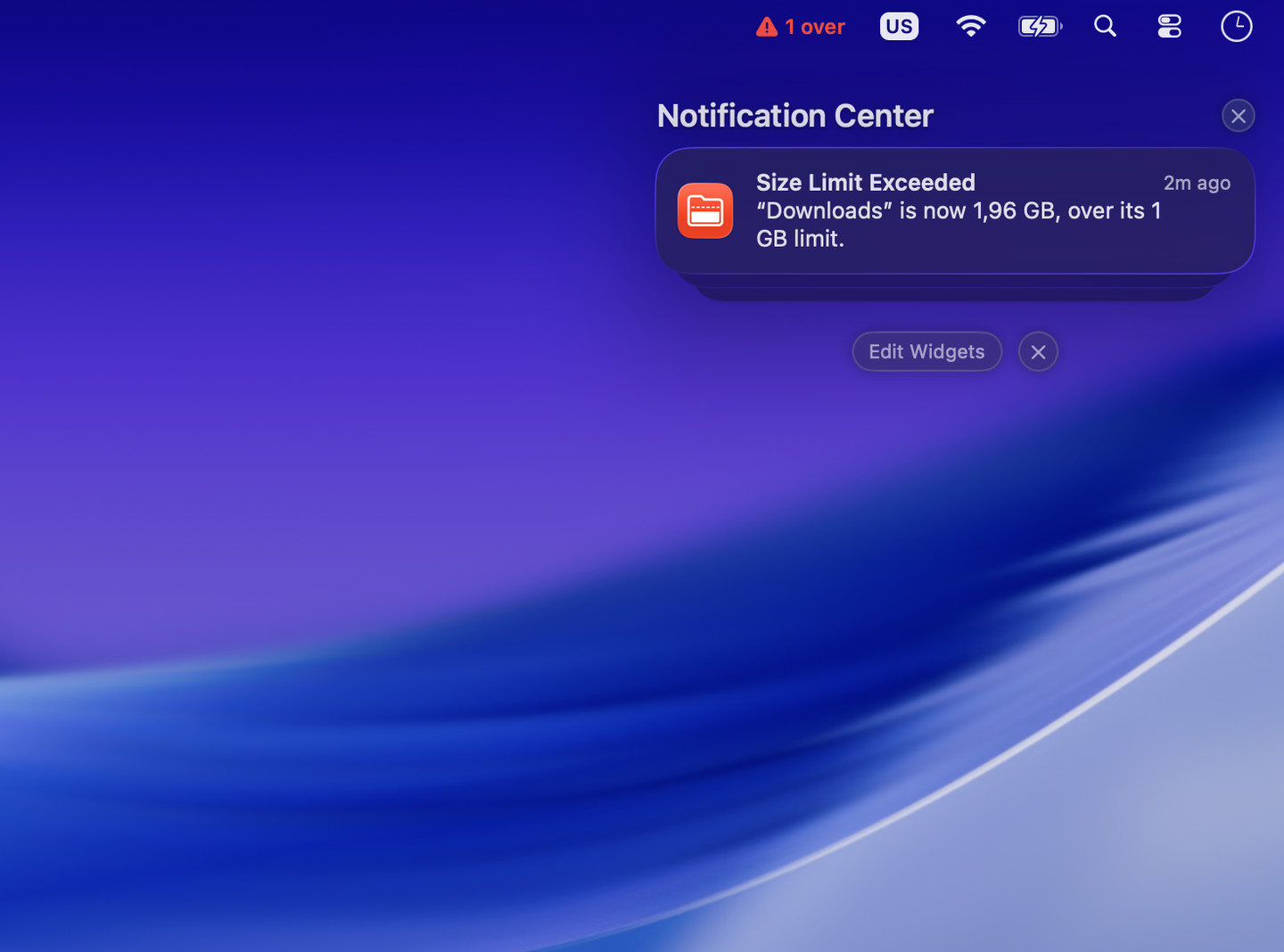
Said once, then dropped
A single notification names the folder, its size, and the limit it passed. There is no second one, and no digest.
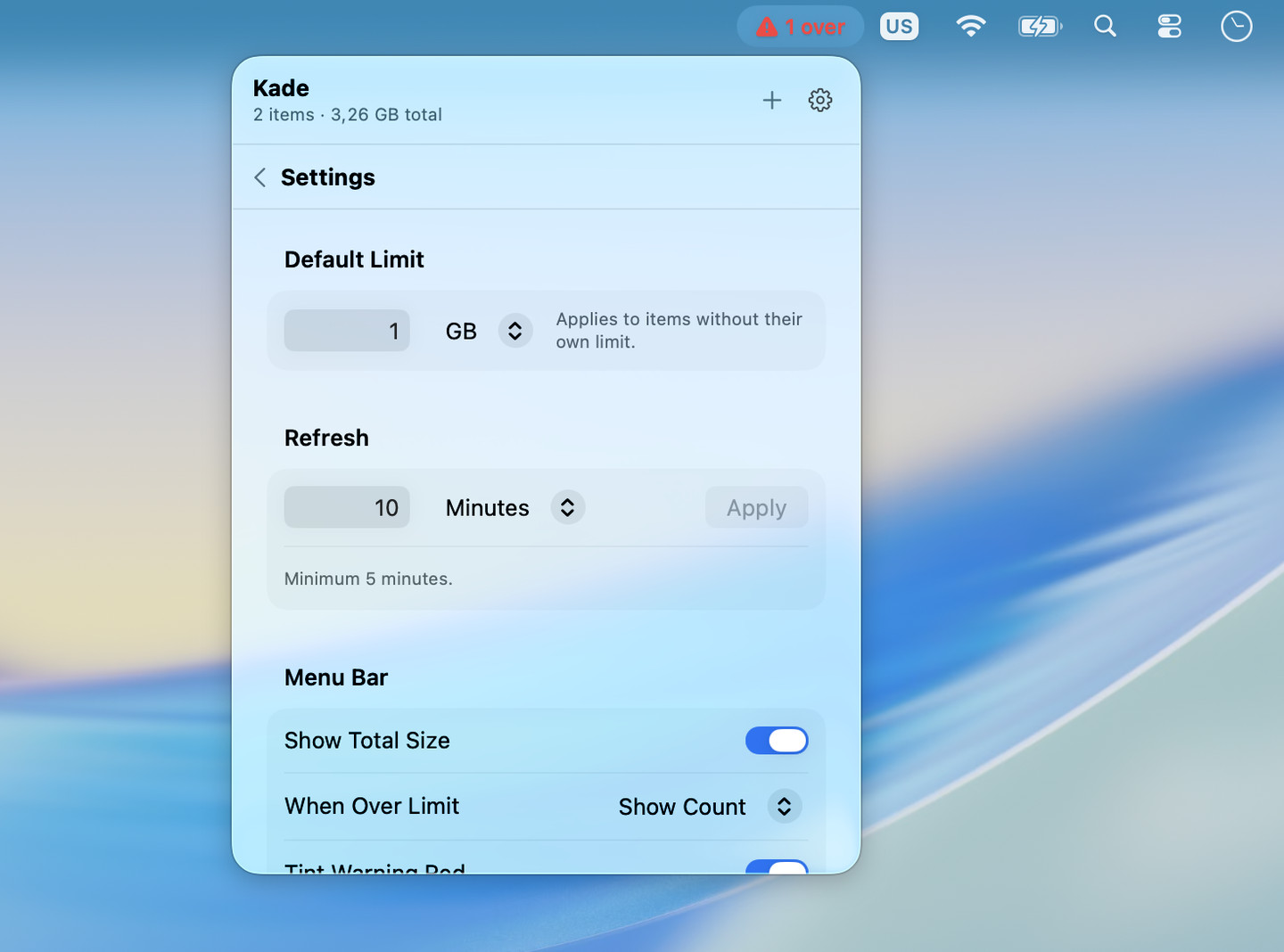
Enough settings, not more
A default limit for folders you never got around to configuring, a refresh interval, and what the menu bar should say.
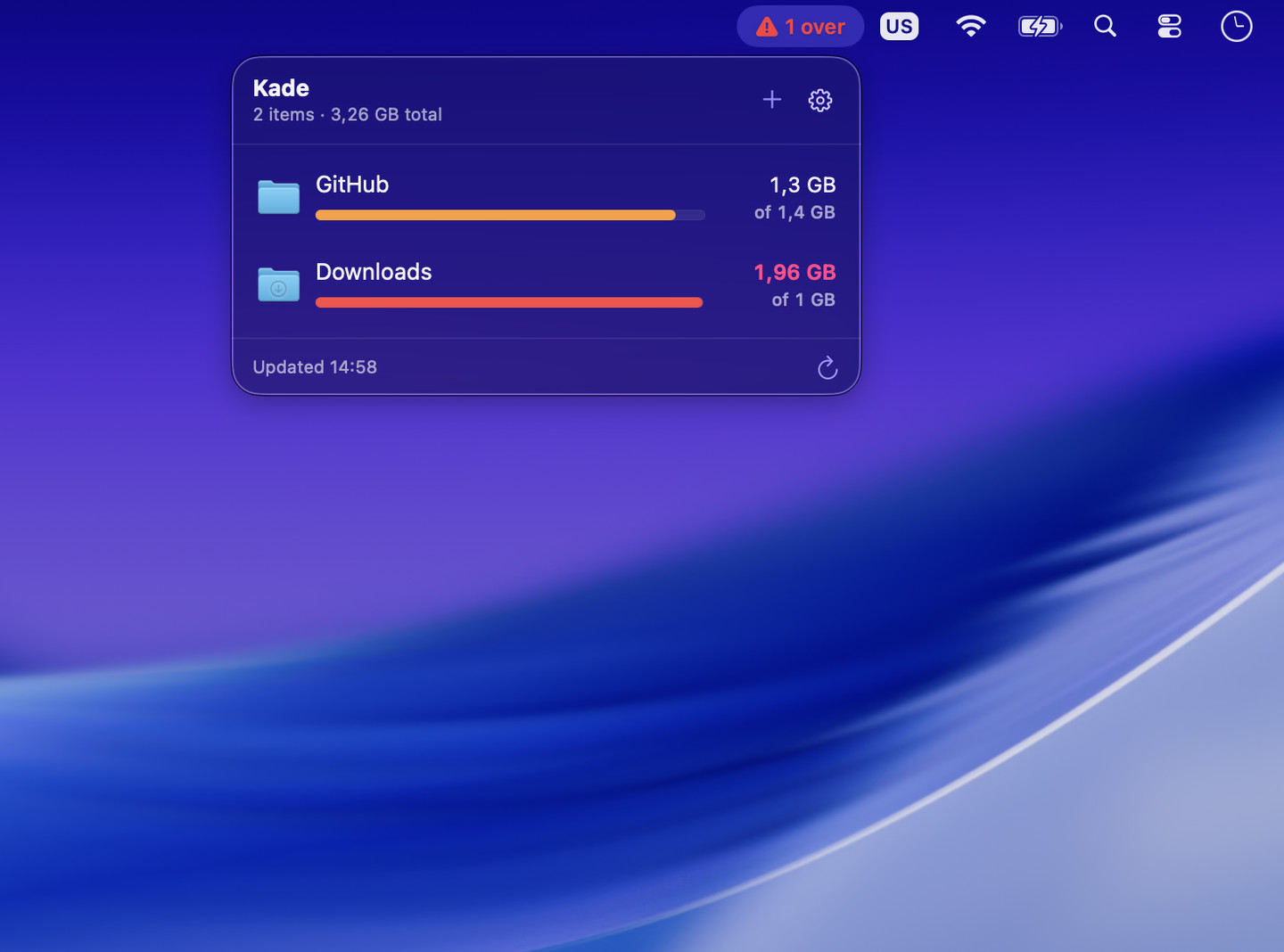
Dark mode, properly
Same layout, same weight, colours that hold up against a dark wallpaper rather than glowing off it.
Questions
Does Kade delete anything?
No. It measures folders and tells you when one is over its limit. The only actions it offers are Reveal in Finder, Pause, and Remove — and Remove just stops watching the folder.
How often does it recheck?
On the interval you set, with a floor of five minutes. Walking a large folder tree is not free, and doing it every thirty seconds would cost you more than it tells you.
What happens if I do not set a limit on a folder?
It uses the default limit from settings. Set a folder's own limit any time, or hit Use Default to hand it back.
Can I turn the notifications off?
Yes — notifications, the sound, the red tint, and the menu bar readout are all separate switches. Kade is usable with every one of them off.
Does it launch at login?
Only if you ask it to. The switch is off out of the box.
A size limit for the folders that keep growing
Free. A menu bar item, a folder list, and a limit — that is the whole app.